On this page
Dispenser menu
Once on a dispensers’s page, the more_vert button at the top right takes you to the menu of possible actions for a dispenser, depending on its status.
For a filled dispenser, you can:
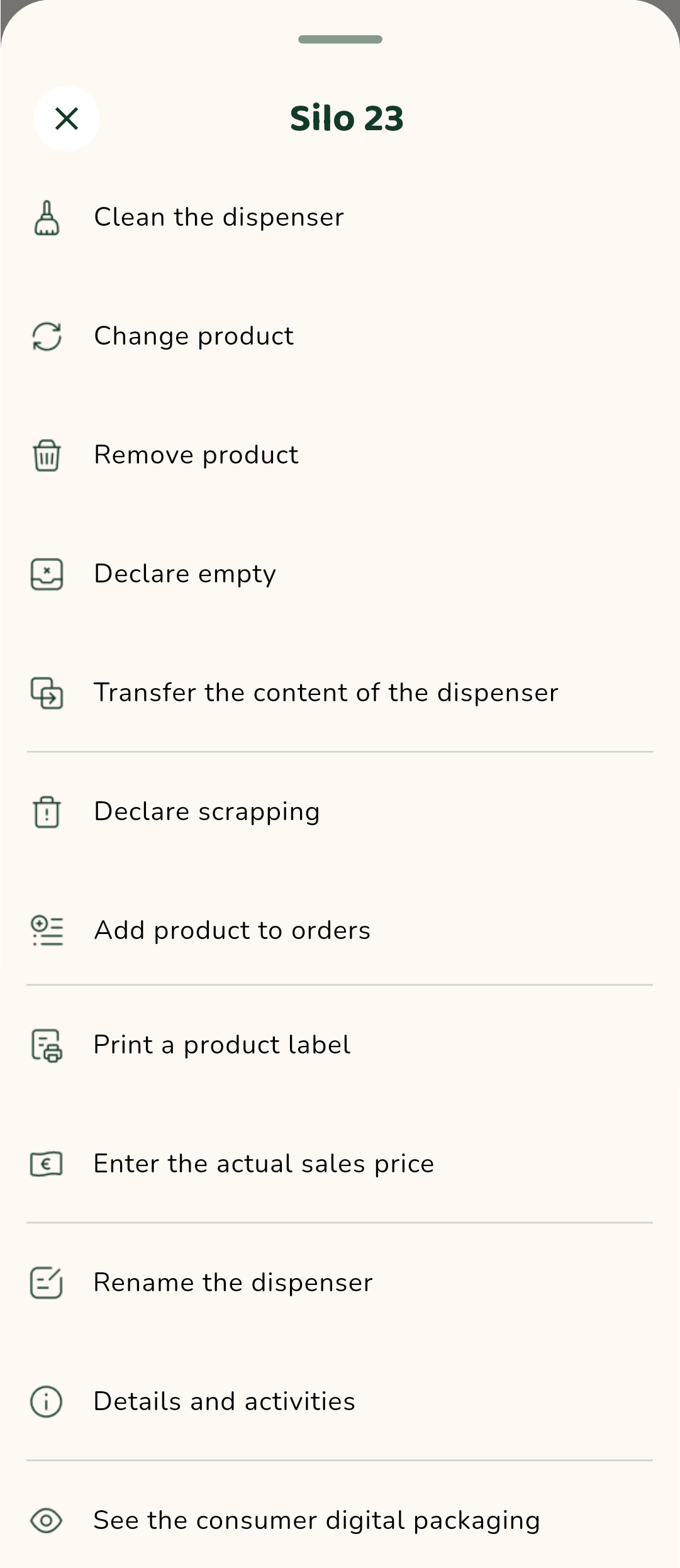
- Clean the dispenser
- Change the product
- Remove the product
- Declare the dispenser empty
- Transfer the content of the dispenser
- Declare scrapping
- Print a product label
- Enter the actual sales price
- Add the product to orders
- Rename the dispenser
- Access the dispenser detailed information
- See the consumer product sheet: this allows you to display the product sheet as a consumer would see it by scanning the QR code on the dispenser.