Create an account
To create your Store account, contact us to send us the following information:
- email address for account access:
- Company name:
- Brand name (if different):
- SIRET:
- Full shop address:
- Shop telephone number (public):
You can send us an email directly by clicking here and completing the information, or alternatively get in touch with us.
We will then send you a list with the information you need to provide.
Once we have validated the creation of your account, you will receive an email with your login details (email address), as well as a temporary password (the subject of the email is “Création de votre compte sur packtic.io”).
Then:
-
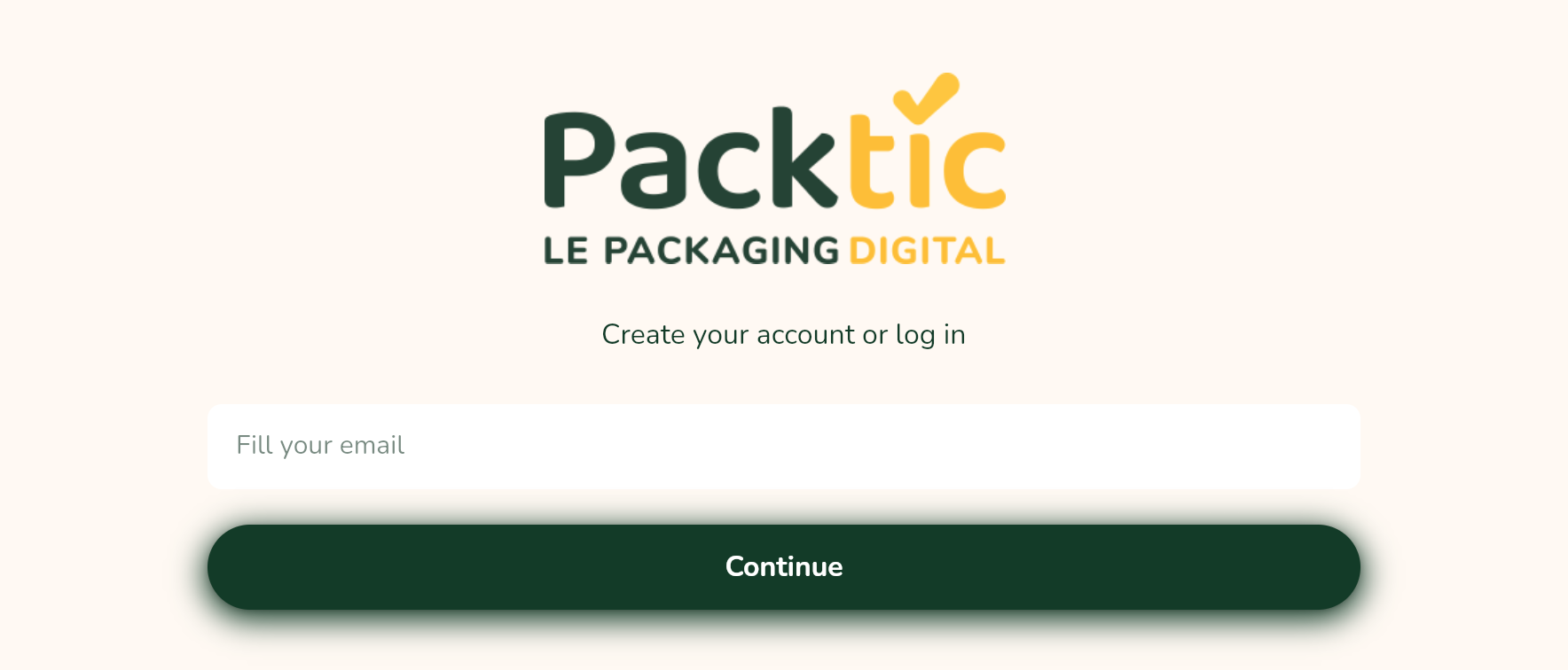
Go to https://packtic.io
-
Enter your connection email
-
Enter the temporary password received by email
-
On the next screen, enter a password and validate (must contain 8 characters, including one upper case, one lower case, one number and one special character).
-
Enter your first name
-
Check
have read and understood the General Terms of Servicesto continue. -
You now need to choose between a subscription with a 12-month annual commitment or a monthly subscription with no commitment.
You can unfold the functionalities to access the details of the subscription.
-
Select your subscription by clicking on the corresponding button.
This will take you to the SEPA direct debit or credit card payment page.
The first subscription period (year or month) is paid for on creation, and each subsequent period is paid for automatically using the same card or bank account on the anniversary date.
As the subscription is non-binding, you can cancel it by sending us an email to support@packtic.fr. Any period started is due.
See our General Terms of Service: https://packtic.fr/cgs/
Once your payment has been validated, you can access your shop interface and declare your dispensers so that we can print your labels.