Declare your dispensers
To link your dispensers to the application, you need to register the number of dispensers to be equipped (= all your silos, bins, buckets or other distribution containers for which you need to track traceability).
- Click on the more_vert button, then select add_circle
Add dispensersfrom the menu to declare your dispensers.
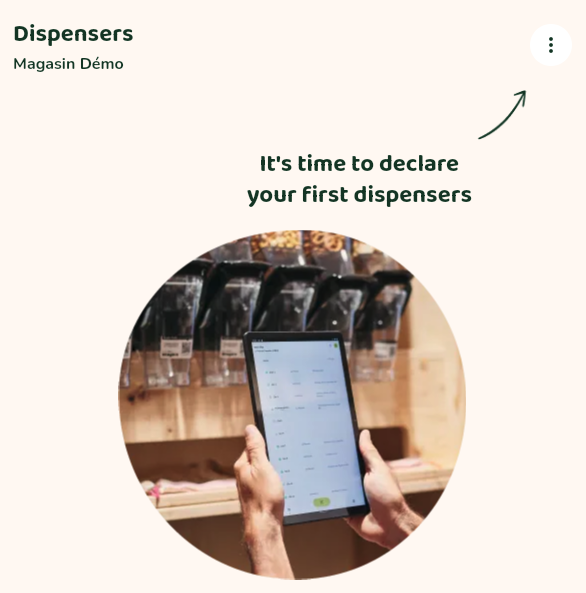
- Enter the number of dispensers to be equipped.
If you have more than 100 dispensers to declare, please do so :
-
by 50 dispensers maximum if you wish to receive the labels by email
-
by 100 dispensers maximum if you do not wish to receive the labels by email
The application generates a unique identifier and qr code for each dispenser in C000XXS000XX format (C000XX = your unique shop identifier, S000XX = dispenser identifier).
We advise you to choose to receive the labels by email: you will receive temporary labels attached in a single ZIP file, which we invite you to keep. They will be useful if you need to temporarily replace a lost or damaged label.
Once your dispensers have been declared, you will receive your QR code labels within a few days (in the format and design previously defined with us when you created your account).
If the labels wear out, it is possible to request a new set.
To do this, contact us indicating the dispenser numbers for which you would like us to send you a new set of labels.