Shop
If you are a shop whose bulk department is managed by a distribution network, your account is created at the request of the distribution network in charge of your shop.
You will receive two emails from the distribution network with the information you need to complete your registration. You will be asked to log in to https://packtic.io using the temporary password you received by email, which you will change when you log in for the first time.
-
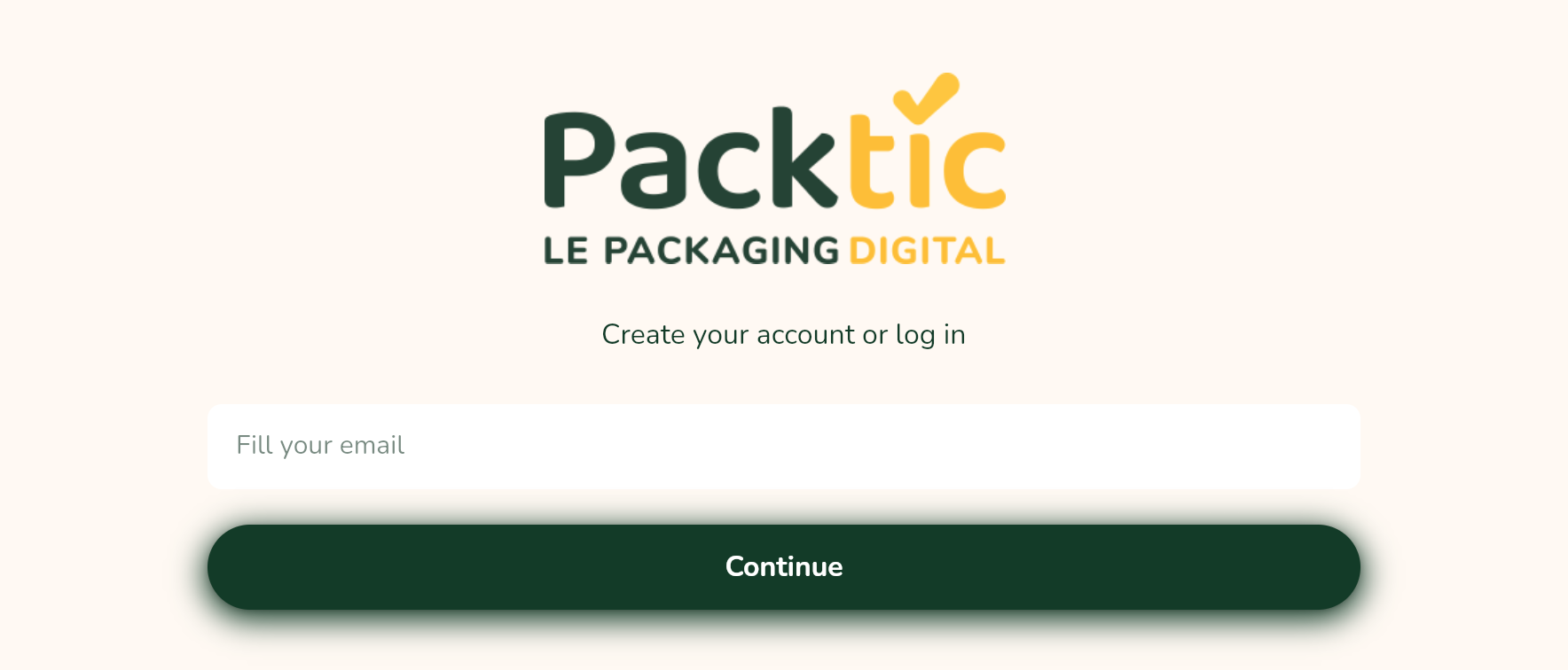
Go to https://packtic.io
-
Enter your connection email
-
Enter the temporary password received by email
-
On the next screen, enter a password and validate (must contain 8 characters, including one upper case, one lower case, one number and one special character).
-
Enter your first name
-
Check
have read and understood the General Terms of Servicesto continue.
The shop user guide contains all the information for managing the shop.